![Logo (White, horizontal).png]](https://help.pulselabs.ai/hs-fs/hubfs/Logo%20(White%2c%20horizontal).png?height=24&name=Logo%20(White%2c%20horizontal).png)
Follow these steps to screen record with audio using the Pulse Labs app on your iPhone.
- On your dashboard, select the study and after reviewing all instructions, progress to the step where you can start recording.
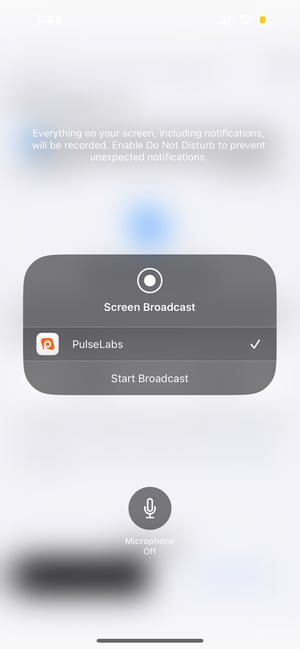
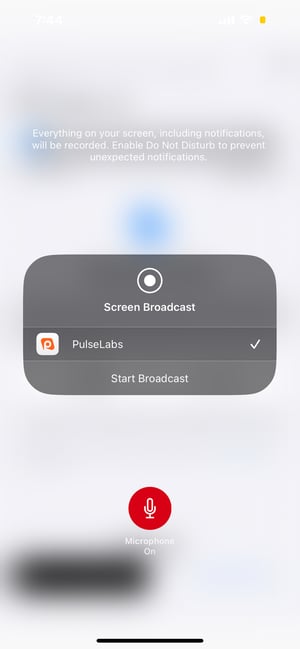
- Select Start Broadcast and then select the microphone icon before you start the study.
- Navigate to the screen that you want to record and speak out loud as you complete the tasks required for the study.