![Logo (White, horizontal).png]](https://help.pulselabs.ai/hs-fs/hubfs/Logo%20(White%2c%20horizontal).png?height=24&name=Logo%20(White%2c%20horizontal).png)
To make sure you get the most relevant study opportunities, please take a moment to complete or update your demographic details in your profile.
Note: Screeners labeled with “US” are only available to participants currently living in the United States.
In addition to email invites, you can explore more research opportunities directly from your account. Follow these steps to find screeners on the Pulse Labs website.
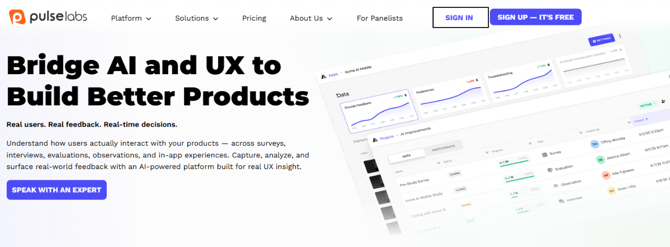
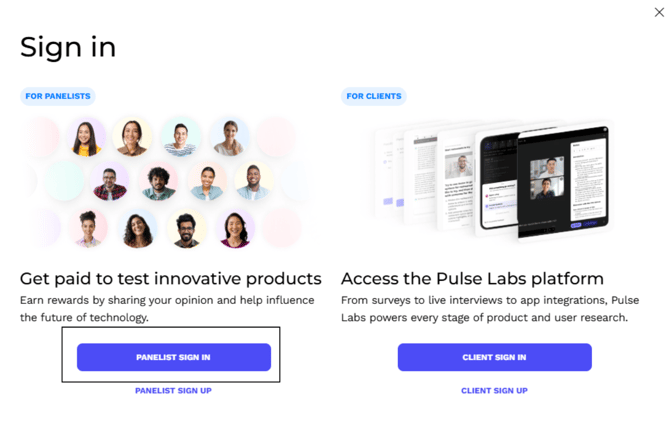
- Sign in to your Pulse Labs account.
- Select the Other Studies tab on your dashboard. These are short screener surveys that help determine if you're a good fit for any upcoming studies.

- Scroll through the list of available screeners and select any screener that interests you to begin the survey.
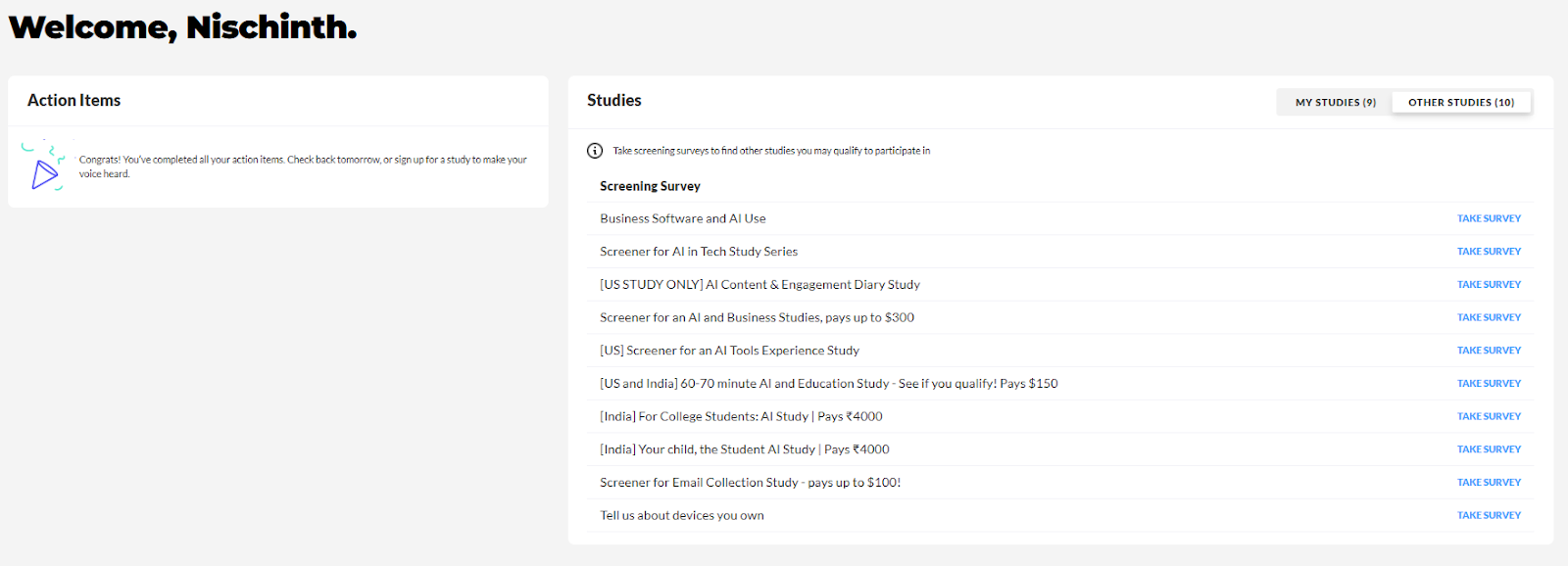
Note: New screeners are added regularly, so check this section often!
Tips for the best experience:
- Use Google Chrome on a laptop or desktop, or
- Download and use the Pulse Voice app if you’re on a mobile device.