![Logo (White, horizontal).png]](https://help.pulselabs.ai/hs-fs/hubfs/Logo%20(White%2c%20horizontal).png?height=24&name=Logo%20(White%2c%20horizontal).png)
Follow these steps to clear your GoPro's SD memory card.
-
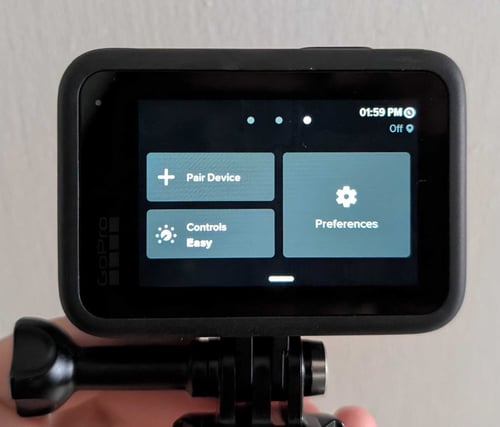
On the GoPro device, swipe down the touch screen and then select Preferences.
-
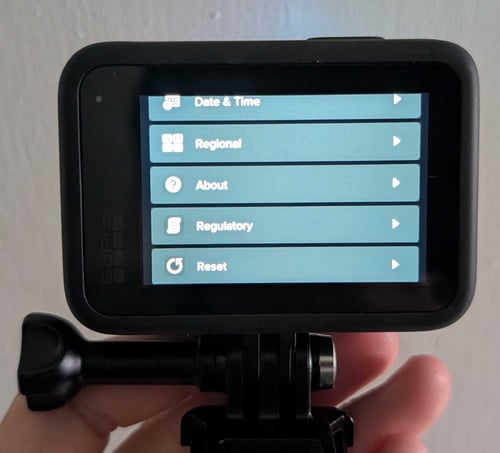
Scroll down and select Reset.
-
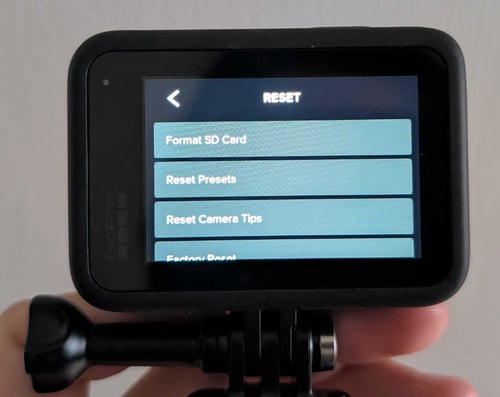
Select Format SD Card.
-
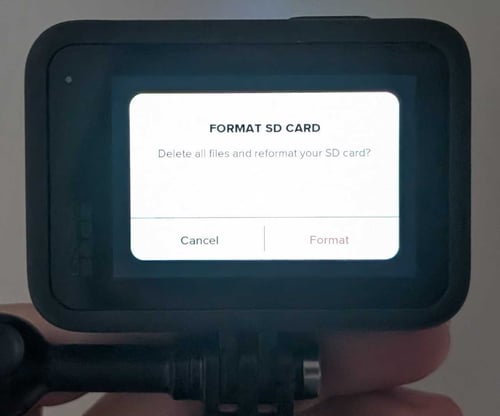
Select Format. This action will delete all files from the SD card.